
The Timeline-to-Grade Workflow: A Color Grading Roadmap for Short Film Post-Production
test
By Studio Hue
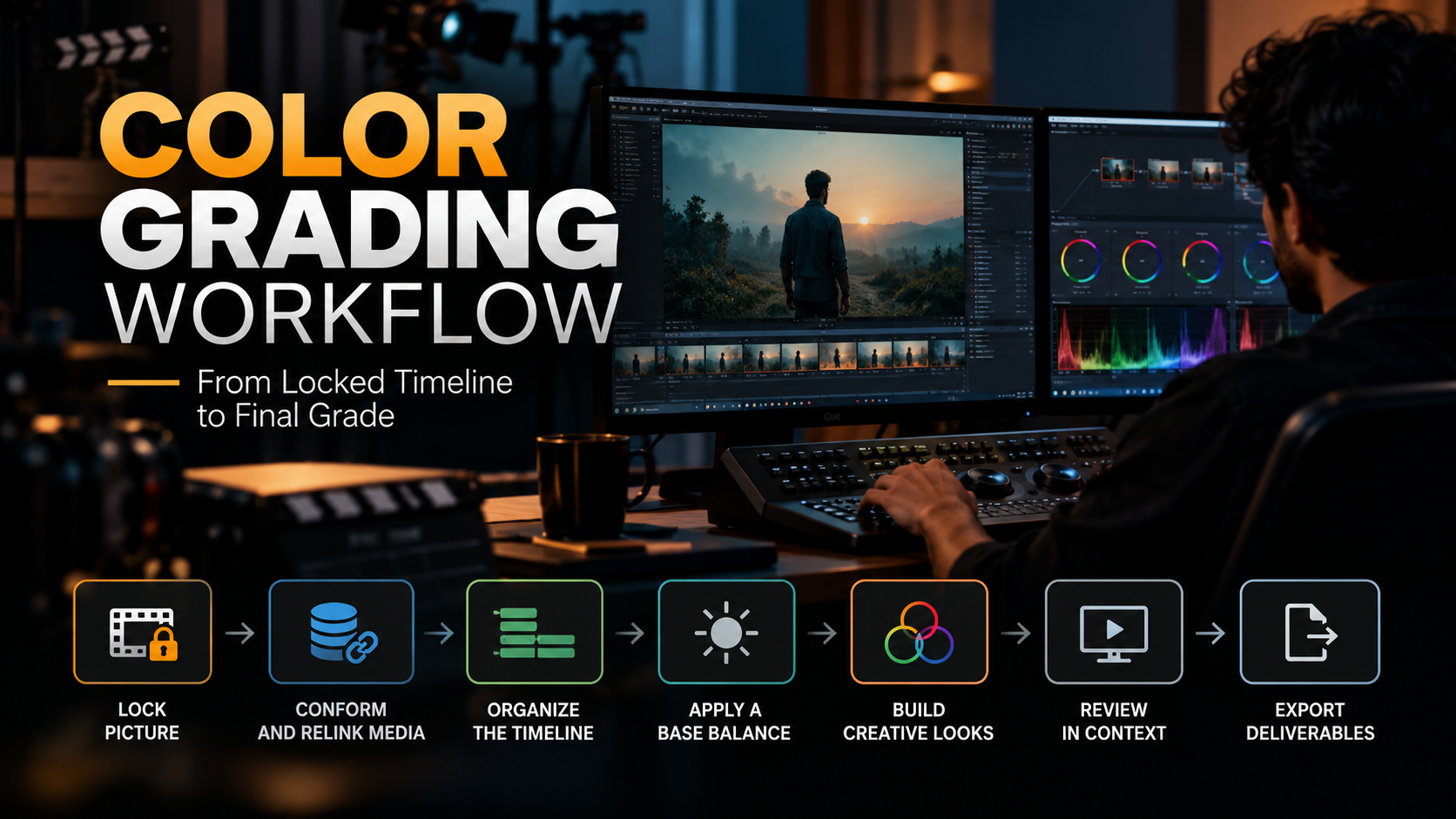
A clean color grading workflow is what separates a short film that looks intentional from one that looks accidental. In short, the process runs: lock picture, conform and relink media, organize the timeline into scenes, apply a base balance, build creative looks, review in context, and export deliverables. Skipping or reordering these steps is the single biggest cause of grading problems on short films.
Why the Handoff From Editorial to Color Is Where Most Short Films Go Wrong
Most color problems on short films aren't caused by bad grading decisions. They're caused by a broken handoff between the edit and the grade missing media, mismatched frame rates, or a timeline that changes after the color pass has already started.
At Studio Hue, we treat the handoff itself as a formal stage of the workflow, not an afterthought. A short film's timeline typically moves through post at a much faster pace than a feature, which means there's less room to catch conform errors before delivery deadlines close in.
Step 1: Lock the Picture Before Color Begins
Color grading should never start on an unlocked timeline. Every trim, re-cut, or reordered scene after the grade begins forces rework, and on a short film's compressed schedule that rework eats the budget fast.
The editor exports a locked cut with a clean edit decision list (EDL), XML, or AAF
Sound design and VFX are ideally locked or near-final, since color often reveals issues in both
Any planned reshoots or pickups are finished before the timeline moves to color
Self-contained takeaway: picture lock is a decision point, not a formality, it's the moment the project shifts from editorial ownership to color ownership.
Step 2: Conform and Relink the Media
Conforming rebuilds the editor's timeline using the original camera-native or high-resolution media instead of the offline proxies used during editing. This step is where a colorist verifies that every clip on the timeline matches its correct source file, frame rate, and color space.
Common conform issues on short films include mismatched frame rates between cameras, missing metadata for camera color profiles (like LUTs or camera-native gamma curves), and dropped or duplicated frames from proxy workflows. A thorough conform check here prevents a much more expensive fix during final review.
Step 3: Organize the Timeline Into Scenes and Shots
Before any creative color decisions happen, the timeline gets grouped typically by scene, then by shot within each scene. This is often done with grading software's grouping or power grade tools so that a single adjustment can apply consistently across every shot from the same setup.
Studio Hue's internal process breaks this into three passes: scene grouping, shot matching within each scene, and a final pass across scene transitions to check for jarring shifts in exposure or color temperature. This ordering matters grading shot by shot before grouping tends to produce visible inconsistency across a scene.
Step 4: Establish the Base Balance
The base balance (sometimes called the primary grade) neutralizes exposure and white balance issues so every shot starts from a technically even baseline before any creative look is applied. This step focuses on correction, not style: fixing under- or overexposed footage, matching skin tones across angles, and correcting any color casts introduced by mixed lighting sources.
A colorist evaluates each shot against a waveform and vector-scope rather than relying on the eye alone, since monitors vary and human color perception adapts quickly to whatever is on screen.
Step 5: Build the Creative Look
Once every shot is balanced, the creative grade the film's actual color style gets layered on top. This is where genre, mood, and narrative intent shape decisions: a muted, desaturated palette for a somber drama; high-contrast warm tones for an intimate character piece; cooler blues for tension or isolation.
- The director and colorist typically agree on 2-3 reference frames or a mood board before this stage begins
- Look development is usually done on one or two Hero scenes first, then applied and adjusted across the rest of the film
- Secondary color adjustments (power windows, tracked masks, vignettes) refine focus and depth within individual shots
Self-contained takeaway: the creative look is applied after balance, never instead of it skipping the base balance step and jumping straight to a stylized look is what produces uneven, hard-to-fix color later.
Step 6: Review in Context, Then Finalize
A grade should be reviewed on a calibrated reference monitor, in a controlled viewing environment, and critically watched as a full sequence rather than shot by shot. Color choices that look right in isolation can feel inconsistent once the film is watched start to finish.
Directors and producers typically review at this stage and request targeted revisions rather than a full regrade, since the heavy lifting (balance, look development) is already complete.
Step 7: Export Deliverables
The final stage converts the graded master into whatever formats the film needs a festival submission, streaming platform deliverable, or a client's specific codec and color space requirements. Short films frequently need more than one deliverable spec, so this step includes verifying color space (Rec. 709 for most web and broadcast, P3 or Rec. 2020 for HDR or theatrical) matches the intended viewing destination.
Common Timeline-to-Grade Mistakes on Short Film Projects
The most frequent issues Studio Hue sees when a project arrives for grading include unlocked timelines still receiving trims mid-grade, missing camera metadata that slows the conform, and creative look decisions made without reference to the base balance step. Each of these is preventable with a workflow that treats the handoff from edit to color as a distinct, documented stage not an informal file transfer.
Frequently Asked Questions
How long does color grading take for a short film?
Timing depends on runtime, shot count, and how complex the creative look is, but a well-organized short (10–20 minutes) with a clean conform typically moves through balance and creative grading in a few working days. Films with heavy VFX, mixed cameras, or late picture locks take longer, since rework at the conform stage delays every step after it.
What's the difference between color correction and color grading?
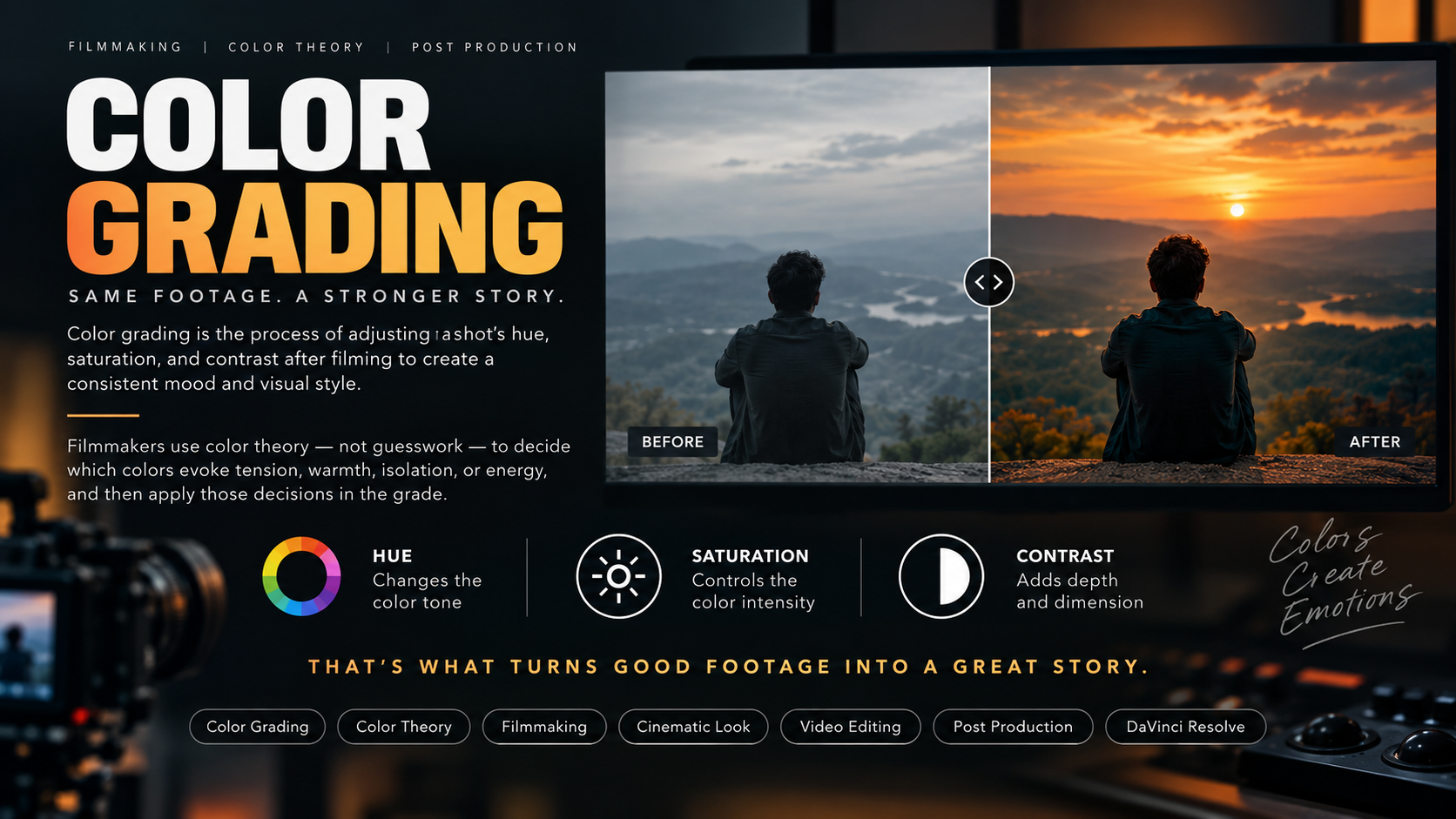
Color correction (the base balance step) fixes technical issues exposure, white balance, skin tone consistency so footage looks natural and even. Color grading is the creative pass applied afterward, shaping mood, contrast, and style to match the film's tone. Correction happens first; grading builds on top of it.
Do I need to lock picture before sending a project to a colorist?
Yes. Sending an unlocked timeline to color is the most common cause of budget and schedule overruns on short films, since any edit change after grading begins usually forces the colorist to redo affected shots. Studio Hue recommends confirming picture lock, sound lock, and VFX status before scheduling a grading session.